01
Know what the profile does
Your profile is an optional public page connected to your seller account. It introduces you and collects your currently active products in one place. A profile does not replace individual listings: each product still needs its own price, quantity, approximate area and handover information.
The profile can remain public when you have no active products. This is useful between harvests or small production runs, and the page will simply explain that nothing is listed today.
02
Open your producer profile editor
- 1
Sign in to the account you use for your listings.
- 2
Open My listings from your account or the main navigation.
- 3
Select Producer profile at the top of the seller space.
- 4
Add your details and save as often as you need. Leave the publish box unticked while you are drafting.
03
Write each part for a useful purpose
Plain, specific language is more helpful than a slogan. Tell people what you offer, where you generally work and what they can expect from a request.
| Field | What to include | Example direction |
|---|---|---|
| Profile name | Your name, growing name or workshop name | Koulla Studio |
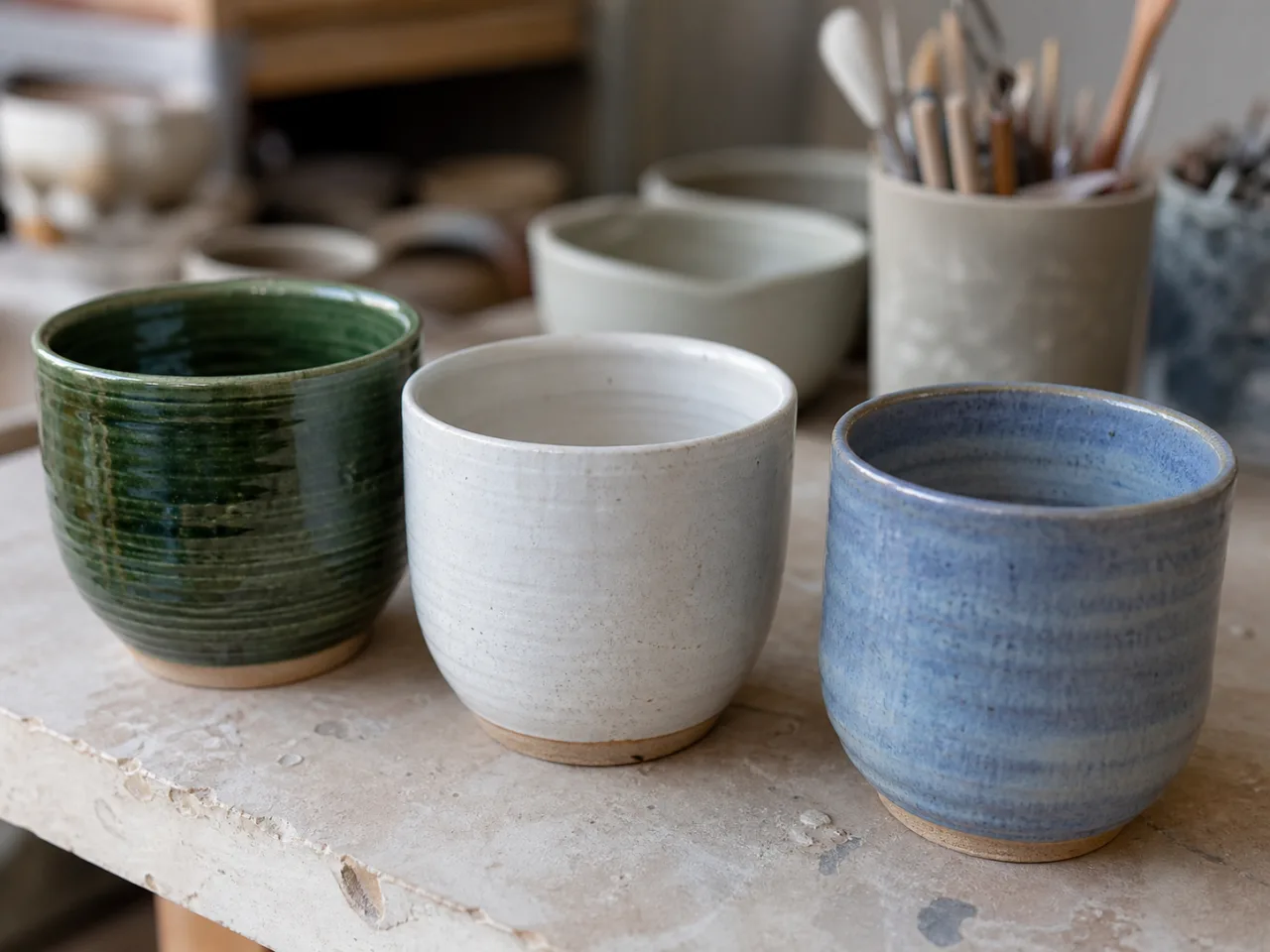
| Short introduction | What you make or grow and the general area | Small batches of functional ceramics made in Lefkara. |
| About | Practical details about your work, methods or offer | Mention materials, growing approach, batch size or what buyers can expect. |
| Story | Optional background in your own words | How you started, what shaped the work or what you hope to keep doing. |
04
Choose a clear public profile link
The editor suggests a link from your profile name. You can adjust it using lowercase letters, numbers and single hyphens. A short, recognisable link is easiest to share, such as koulla-studio or avgorou-garden.
If a link is already in use, choose a more specific version. You can change the link later, but the old address will no longer open your profile, so update any place where you shared it.
05
Publish and check the finished page
- 1
Finish the required name, public link, short introduction and About section.
- 2
Tick Make my producer profile public.
- 3
Select Save profile. If a field needs attention, the editor will show what to correct.
- 4
Use View public profile to check the page as a shopper will see it.
- 5
Open one of your active products and confirm that its seller section links back to the profile.
06
Keep the story current and manage products separately
- Update the About section when your methods, offer or general working area changes.
- Use My listings to create, pause, finish, relist or update the quantity of individual products.
- Only active, unexpired listings appear on the public profile.
- Do not paste prices or stock amounts into your profile story; keep those changing details on each listing.
- Keep exact addresses, personal contact information and payment links out of all public profile fields.
Questions
Common questions
Do I need a producer profile to create a listing?
No. The profile is optional. You can continue creating and managing individual listings without publishing one.
Do I have to add my products to the profile?
No. Local Finds adds your active, unexpired listings automatically and removes them from the profile when they are paused, finished or expired.
Can I publish a profile before I have an active listing?
Yes. The public page can introduce your work even when no products are available, and it will show a clear empty state until you publish a listing.
Why can I not publish my draft?
Usually something small is missing: a name, a short public link, a one-line introduction, or a bit more in About. The page will tell you what to fill in. Don’t put phone numbers or emails in the public text.
Can I change or hide the profile later?
Yes. Edit the fields whenever you need to, or turn off “Make my producer profile public” and save. If you change the public link, the old address stops working — update anywhere you shared it.